Friday, 11 January 2013

Editing #3

In the latest part of editing, having put the footage in place, I decided to put our project into Final Cut Pro X. However, because of a formatting problem this has meant that I have had to put together the whole project again.


(I have used a blank black jpeg (as seen below) to create the movie-like letterbox effect.)


Though because of this, it has given me more control over the look of the video. For example, I can now instill fake aspect ratios and move the video underneath into space, thus guaranteeing that the video will fit perfectly within the frame now (i.e. no actor's heads cut off). 


Furthermore, by researching into the software more I have discovered the ability to colour-correct in a more 'hi spec' fashion and I have learnt certain techniques about blending different filters together to create great tones. The bank of set pre-set (and alterations that can be made to) effects is also vast in comparison to Final Cut Pro, so I have opted for this version as a method of essentially, post-production.

Motion control has also been another factor that I have greater control over now. I have experimented with tools such as a 'speed ramp' to break up different segments of one clip. This is particularly useful when wanting to add stabilisation to a clip but wanting to break it up in different speeds; i.e. If I was to use the blade tool and trim different parts of the clip to different speeds, each of these different pieces of footage would stabilise different and would therefore give uneven and jolting footage. Precision is something I have now began to home in on more.

The next version of the Thriller video will be posted soon! I will also carry out some audience feedback for our group's project because this would be a great way of evaluating what we have so far!

Wednesday, 9 January 2013

Previous Student Evaluation Analysis.

As part of the preparation for my evaluation, I have looked at three previous student examples. I am going to be individually commenting on the strengths and weaknesses of their work, a good use of technology and any influence their evaluation may have on mine, (i.e. particular things I would like to perhaps incorporate). 


Student Example #1


I found this first piece of student work to be a good example of an evaluation. I feel that they gave consideration and explanation to each question, however that they could have elaborated in places. For example, they manage to answer the first question within under 50 seconds!

What I liked about this example was the use of video playback when explaining different parts and the group's analysis of relevant work within the industry and how it influenced their thriller film.  

What I feel could have been stronger was the duration of their responses but also a greater use of different technologies, as this is required to gain a higher grade. I feel that they are, at times, too dependent on playing the video back and don't tend to stray from this.


Student Example #2


Unfortunately, I felt that this example was weaker than the previous. The student does not elaborate massively on the questions, failing to answer any of them in much more than 1 minute. In addition to this, their monotone voice does little to create an interesting dynamic for an Evaluation. 

I also felt that the evaluation lacked technology other than video-playback and I found the habit of not introducing the set questions with a title to be quite basic.

However, what I did lack was the student's consideration of their weaknesses and how they managed to build on skills throughout the project. 


Student Example #3


What I liked from this example was the level of consideration the student had given to each question.

However, because the student does not use a range of technologies and it is entirely word and picture based, I felt that this weakened the effort the student had put into answering the question.

All three of these examples have been good analysis for me to take away and consider when contributing towards our group's evaluation. The main point I would like to differentiate away with from these examples, is a great use of technologies. From each question I would like to incorporate a different style. I.e. not have it either entirely video or word/picture based. Medias such as prezi and presentation programs are something I have been considering.

Friday, 21 December 2012

Christmas Holidays


DUE TO EXAMS - 

THE CHRISTMAS HOLIDAYS WILL COMPRISE OF REVISION. 

I'LL CONTINUE TO WORK ON THE 'THRILLER OPENING VIDEO' PROJECT.

AS OF 
WEDNESDAY 9TH JANUARY 2013.

Tuesday, 18 December 2012

Recording non-diegetic sound

When recording the non-diegetic sounds of dialogue to later externally put into the video, I decided to use my Iphone. (Chris then recorded his voiceover parts as 'the witness' on his iphone).


Initially I considered the technicalities of recording audio. As I have previously recorded and done some producing on Cubase and Logic this was a platform I considered. However, because the quality of the microphone on my Iphone I felt this was a justifiable option and instead opted to use this. 

By doing this we now have the audio of Tommy (The main antagonist) to put into the sequence. The dialogue of both the characters will feature in between the cafe shots, as well as over the sequences of flashbacks. This will be a great way of integrating the two different spaces of time. 

Sunday, 16 December 2012

Draft #2

Here is the second draft of our thriller opening video. 


We realised on upload that the video had not been exported properly, hence the poorer quality video. However it will suffice as a draft and demonstrates of all the frames of the video we now have in place. 

The following parts of editing will consist of:

Recording Non-Diegetic sound.
Further sound consideration.
Considering a limited use of special effects.
A title screen. 


This draft will now be loaded into Final Cut Pro X on my computer. As a group we have agreed that my knowledge of the program and its greater 'bank' of effects and video tools will be of much more use to us than Final Cut Express. 

Friday, 14 December 2012

Filming #4

By piecing the footage together on Final Cut, we were able to find out which shots were left to get. I broke this down into 3 shots that were crucial to the story:

1) Chris (Witness) exiting shops.


2) Witness walking onto the estate.


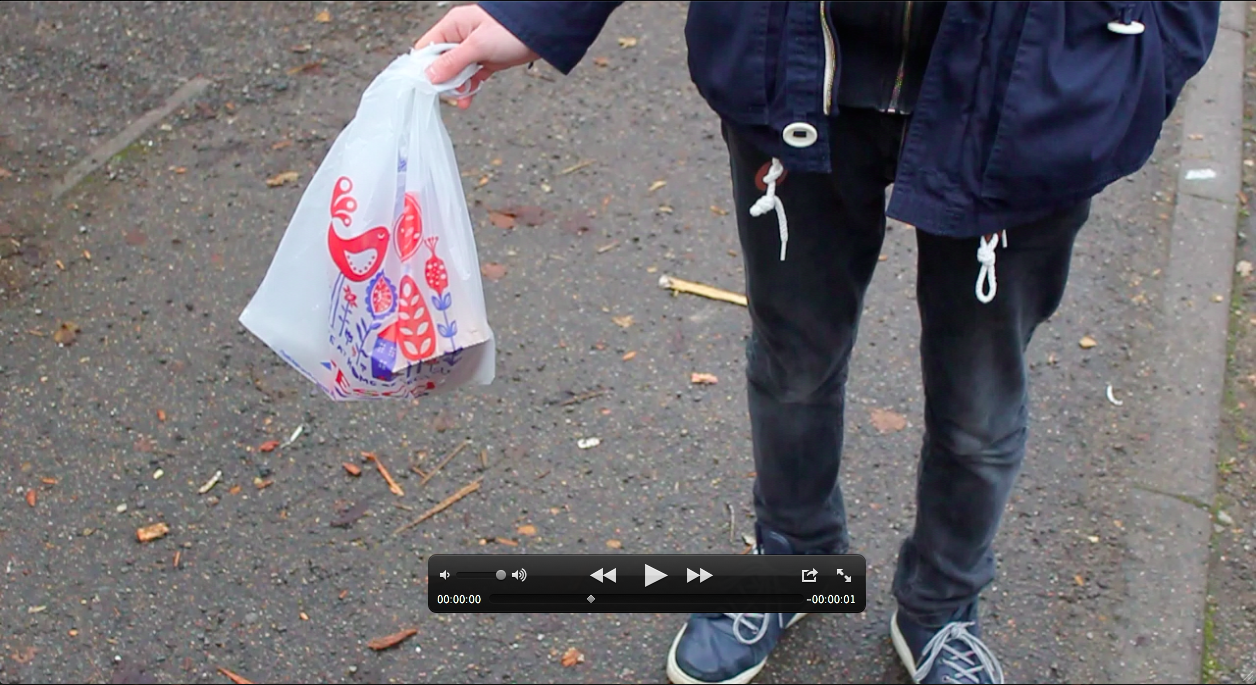
3) A shot of him dropping his shopping bag when he notices the mob and victim. 


The jump between shots from the shop exit to the estate, is narrated over. Between the estate shots we have made references back to the cafe to avoid jumping shot to shot on the estate which would not look right or portray the flashback narrative correctly. 

Wednesday, 12 December 2012

Sound Scape

Since my research into sound featured within thriller films, I have begin giving consideration to the soundscape of our group's piece. A Soundscape is a very important aspect of a film, especially within the thriller and horror genres. As part of our group's research into sound, I have been looking into the possible avenues of royalty free samples to guarantee us the right type of sound for our thriller opening. I have browsed through pre-recorded diagetic sounds to place into our thriller during the last unsupervised lesson.

"Sound is 50 per cent of the motion picture experience" - George Lucas.

Though we might think of film as an essentially visual experience, the importance of film sound cannot be underestimated. The entire sound track is comprised of three essential ingredients:  

• the human voice (Dialogue) 
• sound effects (Ambience and Effects) 
• music (Soundtrack, Score)

These three tracks must be mixed and balanced in order to produce the necessary emphasis on effects and to create a desired audience response. These comprise to form the Soundscape. They are analogous to elements in the real world.

I have looked into various websites such as SoundJay and Sounddogs. I found both of these sites very useful, when searching for free audio. Here are just some of the sound effects we have considered:


'heartbeat' effect - This can be layered on top of the running scene during the beginning and at the ending of the opening when this scene is repeated, to realistically emphasize the character's emotions.

Cafe noise - Adding to the background scenery during the shots. Because the dialogue will be imported, we therefore need to essentially build our soundscape back up, so creating realistic cafe noise is a must. This is something we may also record ourselves instead of simply sampling it. 

'Eerie Atmospherics' - Providing a transition between the flashback sequences and the 'real-time' as the Witness narrates the story. This is something I am going to look into further because it is important we harness the right sort of music. I.e. Too over-the-top  could quite easily be mistaken as horror music which is not in keeping with our genre. 


A screenshot of one of the Sound archives I have been looking in to.